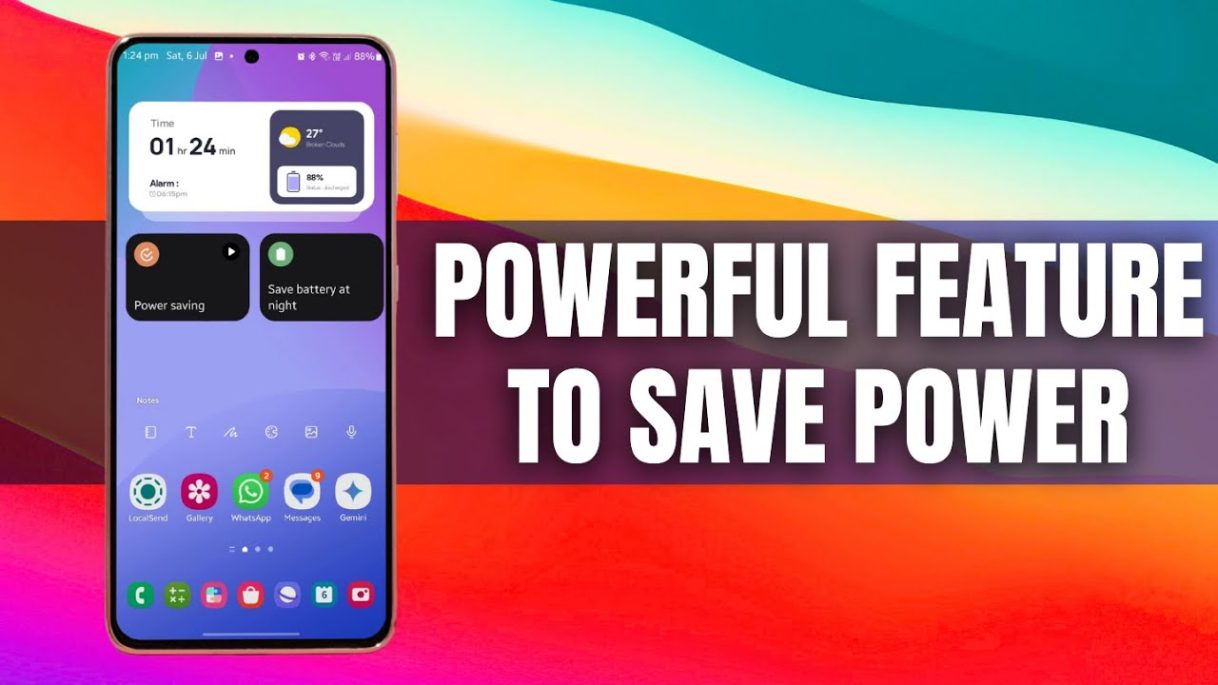
In This Video I have shared some tips for saving battery by automation using Samsung’s Modes & Routines / Bixby Routines
#s24ultra #s24+ #zfold6 #zflip5 #s23ultra #samsung
Benks MagClap Phone Grip & Stand : https://www.benks.com/products/phone-grip
15% off site-wide discount code: AppX15
Benks Cases for S 24 Ultra & Z Fold 6 : https://youtu.be/LRDVfa2Fu3Q
X(Twitter) : https://x.com/appxdroid?t=-QB4lunns84GOsdrFQHxJg&s=09
Best Cases for Your Samsung Galaxy S 24 / S 23 / Z Fold 6 : https:// .be/LRDVfa2Fu3Q
Z Fold 6 Case by Benks: https://www.benks.com/collections/samsung-z-fold-6-cases
S24 Ultra Case by Benks: https://www.benks.com/collections/s24-ultra
*15% off site-wide discount code: AppX15*
Wallpaper : https://drive.google.com/file/d/1LVGuY4GXGcxVfYwXDVqQRjIa6YDfZM6t/view?usp=sharing
WIDGETS
Apple Reborn KWGT : https://play.google.com/store/apps/details?id=applereborn.rad.kwgt&pcampaignid=web_share
One UI KWGT : https://play.google.com/store/apps/details?id=oneui.rad.kwgt&pcampaignid=web_share
One UI 6.0 HIDDEN FEATURES : https://youtu.be/9RYSJZuz7PA
Unlock your Phone quickly : https://youtu.be/PCr9Te4utWY
Registar App : https://youtu.be/2BIfXF9GEUw
15 Reasons Why You Should Not Switch to a PIXEL Phone from a SAMSUNG : https://youtu.be/86rF8xSD2L4a
One UI 5.0 – Android 13 – TOP 10 FEATURES ! : https://youtu.be/gQYynlJMHCY
One UI 5.0 – SO MANY MORE FEATURES ! : https://youtu.be/VCKJXCkd74A
One UI Vs Apple iOS Vs Google Stock Android LOCK SCREEN : https://youtu.be/SIzxOyuCIIw
One UI 5.0 Vs iOS 16 / Galaxy S 22 Ultra Vs iPhone 14 Pro Max – Animation
iPhone 14 Pro Max Deep Purple – First Impressions: https://youtu.be/D5uzdaEzfxM
Comparison ! : https://youtu.be/1LGuXhpOIcQ
iPhone 14 Pro & Pro Max – DYNAMIC ISLAND : https://youtu.be/aQnaiQIjWEg
TIPS & TRICKS – iPhone 14 & 14 PRO Series – iOS 16 : https://youtu.be/Sq8D5pFII04
Useful Free Edge Panel apps : https://youtu.be/EFkzNiG03n4
Awesome Trick on Samsung Galaxy Phones : https://youtu.be/Yug_osk3R1s
This feature on Samsung Galaxy Phones will blow your mind :
The Ultimate SAMSUNG DEX Review : https://youtu.be/bHtADE5sXlY
Insane Swiftkey keyboard feature : https://youtu.be/b6mCYdkzhvQ
Useful Multi tasking feature : https://youtu.be/OlZDmbIxgBY
Awesome hidden feature : https://youtu.be/tn2G7hMswfI
Pop Up Widgets on Samsung’s One Hand Operation + application : https://youtu.be/sOFIaVyY-XI
App pair on Home Screen : https://youtu.be/SLrr7kX6Ugo
Voice changer on Sound assistant ! : https://www.youtube.com/watch?v=GM8RKYcfIn0
Pop Up Widgets on Samsung’s One Hand Operation + application : https://youtu.be/sOFIaVyY-XI
Samsung Galaxy S 22 Ultra 2 Months later ! : https://youtu.be/DSCFz8cQdrc
Insane Private Share feature : https://youtu.be/RxpA7vpJVlY
24 Hour Time-lapse video from a still image : https://youtu.be/SdqxoeURLaQ
Samsung’s Bixby adds new voice command : https://youtu.be/u5VpRwWAu9A
10 Tips & Tricks for samsung Calendar App : https://youtu.be/PfhWGMZTZmw
Color palette on One ui 4.1 Vs One UI 4.0 : https://youtu.be/2q0dnfFMkoY
Theme Park Vs Color palette : https://youtu.be/gfBMqdXCTnM
How to enable play video button : https://www.youtube.com/watch?v=7d0jUpXm5oI&t=32s
Power of Bixby Routine : https://www.youtube.com/watch?v=bM15MbAuOyI
source


Plz give me benks s23 case
Thank you for your videos, but i dont want to subscribe
I've had power saving when sleep Routine enabled since i got my S24 Ultra, but when i click on
Morei dont see the Add Widget option. Why is that?The Modes and Routines are GREAT and have been using them since first offered! I have different Modes setup when I leave and arrive at my home that does ALL kinds of things. For me when I arrive home my phone will switch to WiFi and turn mobile data OFF and turn on a few devices before I even walk in the door! At night, I have a Mode to enter Power save which turns OFF my Bluetooth and several other features and before I wake will turn itself off and revert off those settings I set up. I even have a Mode setup when I arrive at work it will adjust my volumes so things are NOT to loud and when I leave work go back to full blast.
It amazes me people spend SO much MONEY on an Ultra model and NEVER utilize a 3rd of its features! This is why I LOVE Samsung "S" series phones because they can do SO many things offered on no other phone out there. Add Good Lock into the equation, and now you've taken things to a whole other level of customization that again MOST people NEVER use! For these features alone, I'll NEVER buy a Pixel phone! I primarily used the NOTE series of phones for over a decade now.
Molds and Rupees 😅
Hi sir
I have watched your video about circle to search, by that time i didn't have that update yet and i was so envy, but now I already have it. It's a very cool feature. Thanks to all of your videos.
what is the clock/weather widget (app) on the thumbnail?
Please 🙏 🙏 🙏 I request you don't 🙏 post stupid waste useless timepass videos brother 👎👎👎
The only problem I have with my Samsung is excessive idle drain below 30% even with power saving mode on & aeroplane mode on. 3-4 % idle drain within 1 hour 😅
You produce a device with 8, 12, 16 gb of ram memory with the most beautiful screens, powerful processors, a couple of hundreds of applications that it swallows in a second.. and THEN at the end… saves the battery.. turns off the light.. wind up the cables… End of the concert.
Samsung M 14 just got the security update now
Make a dedicated video on sidebar feature and advantages if you have not made.
Google pixel 9 pro XL vs Samsung galaxy s24 ultra comparison konsa best hai plz video
Can u please add more usefull modes and routines which we can use in daily basis??
Why not just turn off the phone completely and save time?!
In fact, Samsung should simply add to its power saving mode, an option that allows you to choose to use only part of the processor's power without disabling the 120 hertz and closing the apps in the background.
An option that will allow you to choose from 65 to 85% for example, and also to choose certain whitelisted applications.
And even allowing you to choose 90 hertz instead of 120 hertz, iPhone Pros are almost permanently between 80-90 hertz at most, no one has died from it 🤧
Today, all high-end processors, even at 60-65% of their capacity, are capable of running Android very smoothly.
It's very simple, but very effective and it works very well on some custom roms🤷🏽♂️
Waiting for video on battery saving using other settings.
I need the widget stack like the clock and weather widget. Please show me how you do it.
What about music circle to search on your phone ?
I didn't even get in my s23 ultra [vietnam]
Since you have thorough knowledge of routines.. Is it possible to schedule whatsapp message for certain date/time to be sent automatically using routines and macro? I have tried using macro but it didn't work.
Useful like always 😃
Dragon wallpaper link plz❤️the wallpaper link you provided is different
Thank you for sharing this excellent video 👍 😎 👌 😎
I am using samsung f15 5g but don't get august security update in my phone
i never use these settings because i never had issues even on my S24 Ultra!🤣🤣🤣🤣🤣🤣🤣🤣🤣🤣🤣🤣🤣🤣