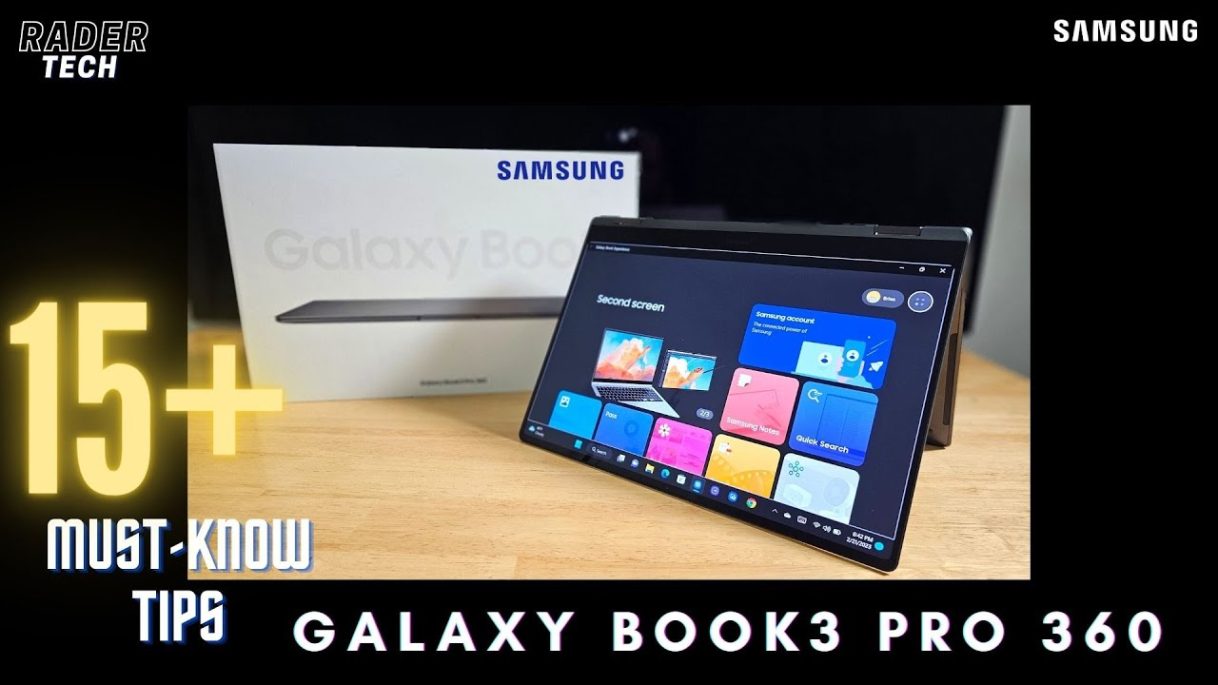
15 Tips and tricks for the Samsung Galaxy Book 3 Pro 360.
Video Chapters
0:00 – 1 – Enable 120Hz
2:50 – 2 – Boost Brightness
3:44 – 3 – HDR Settings
5:23 – 4 – Enable Dolby Atmos
9:10 – 5 – Samsung Settings
11:12 – 6 – Use Dark Mode
12:10 – 7 – Samsung Updates
13:09 8 – Screen Recorder
15:49 – 9 – Improved Function Row Lock
17:21 – 10 – Enable GOD Mode
18:54 – 11 – Performance Toggles
19:55 – 12 – Uninstall McAfee
20:51 – 13 – Proper Handling
22:56 – 14 – S Pen Storage Options
24:08 – 15 – Galaxy Book Experience App
25:26 – 16 – Gaming Settings
I forgot to show the “Battery Protection” option in the Samsung Settings section. It’s still there, and let’s you charge to just 85% to help prolong the overal battery life.
Video Links:
Multi Control – https://youtu.be/H6XPsbsU9Tc
Second Screen – https://youtu.be/Jij2kFGGacY
Samsung Flow – https://youtu.be/AKl5DllwOio
Windows God Mode (rename folder to this): GodMode.{ED7BA470-8E54-465E-825C-99712043E01C}
Thanks for watching
#samsung, #galaxybook3pro360
source

