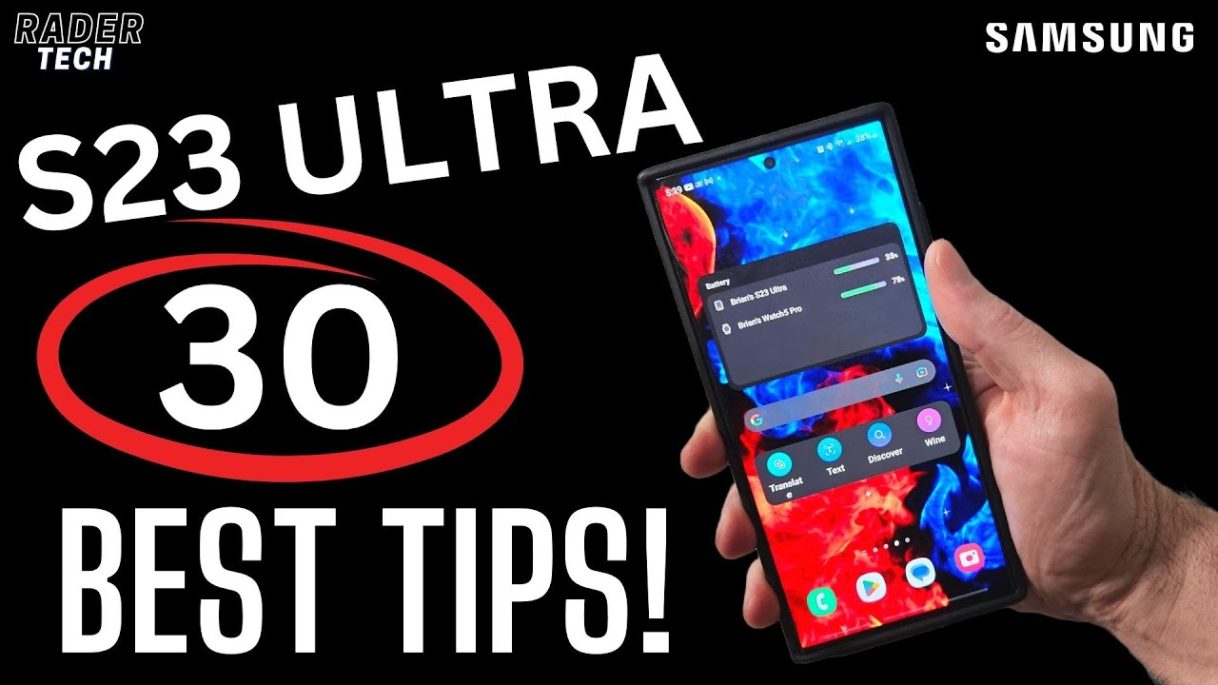
30 Tips and tricks for the Samsung Galaxy S23 Ultra. The Galaxy S23 Ultra is an amazing device, and in today’s video we’ll go over a bunch of ways to make it even better.
Video Chapters
0:00 – 1 – Astronomy Tool
1:45 – 2 – Performance Modes
3:05 – 3 – Object Selector
4:39 – 4 – Display Resolution
5:30 – 5 – Adjust Refresh Rate
6:38 – 6 – Dark Mode
7:39 – 7 – Swipte Gestures
8:42 8 – Screenshot File Location
10:04 – 9 – Samsung DEX
11:05 – 10 – 2 Finger Swipe
11:28 – 11 – Install Samsung Good Lock
12:33 – 12 – Customize Side Key
13:15 – 13 – Developer Options
15:06 – 14 – Video Brightness Boost
15:42 – 15 – Camera Voice Controls
16:29 – 16 – Flash Notifications
17:01 – 17 – Double-Tap Screen Wake
17:32 – 18 – New Widgets
19:27 – 19 – Home and App Drawer Layout
20:08 – 20 – Settings Suggestions
20:39 – 21 – Seperate App Sounds
22:12 – 22 – Camera Cut-Out
22:52 – 23 – Lock Screen Notifications
23:42 24 – Disable Samsung Wallet Gesture
25:15 – 25 – Disable Edge Panels
25:47 – 26 – Quick Brightness Slider
26:59 – 27 – Battery Protection
27:40 – 28 – Dolby ATMOS
28:09 – 29 – One Handed Mode
29:12 – 30 – Find My Mobile
Thanks for watching
#samsung, #s23ultra, #galaxys23ultra
source

